Do Robotic Mowers Need a Boundary Wire? The Answer
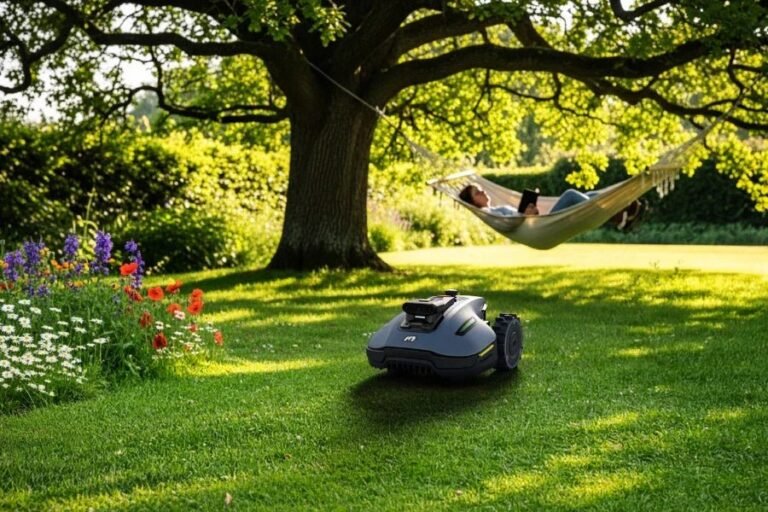
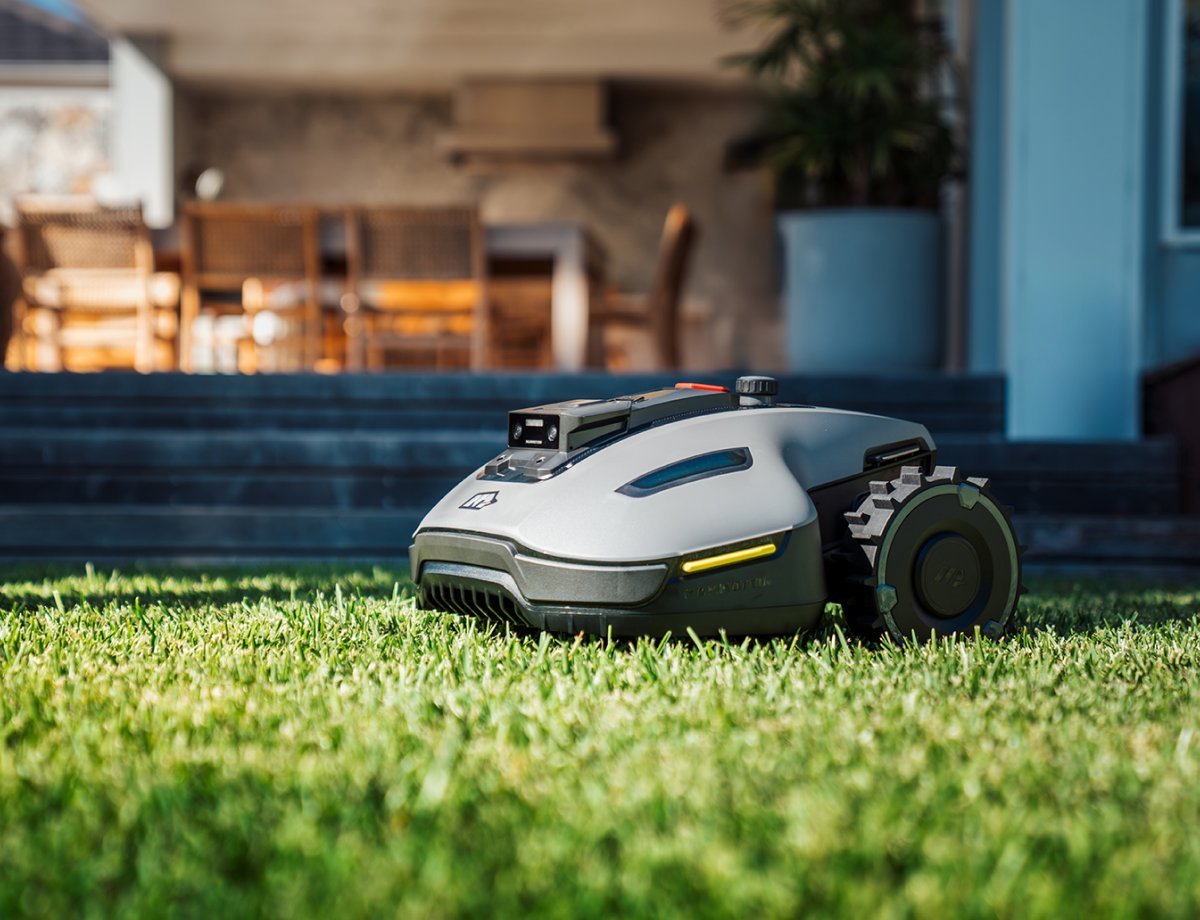
Robotic mowers don’t all need a boundary wire. The traditional models rely on a perimeter wire buried or pegged around the lawn’s edge, but a growing number of GPS- and camera-guided mowers navigate without one, using satellite positioning, vision sensors, or a mix of both to stay inside your yard.
Key Takeaways
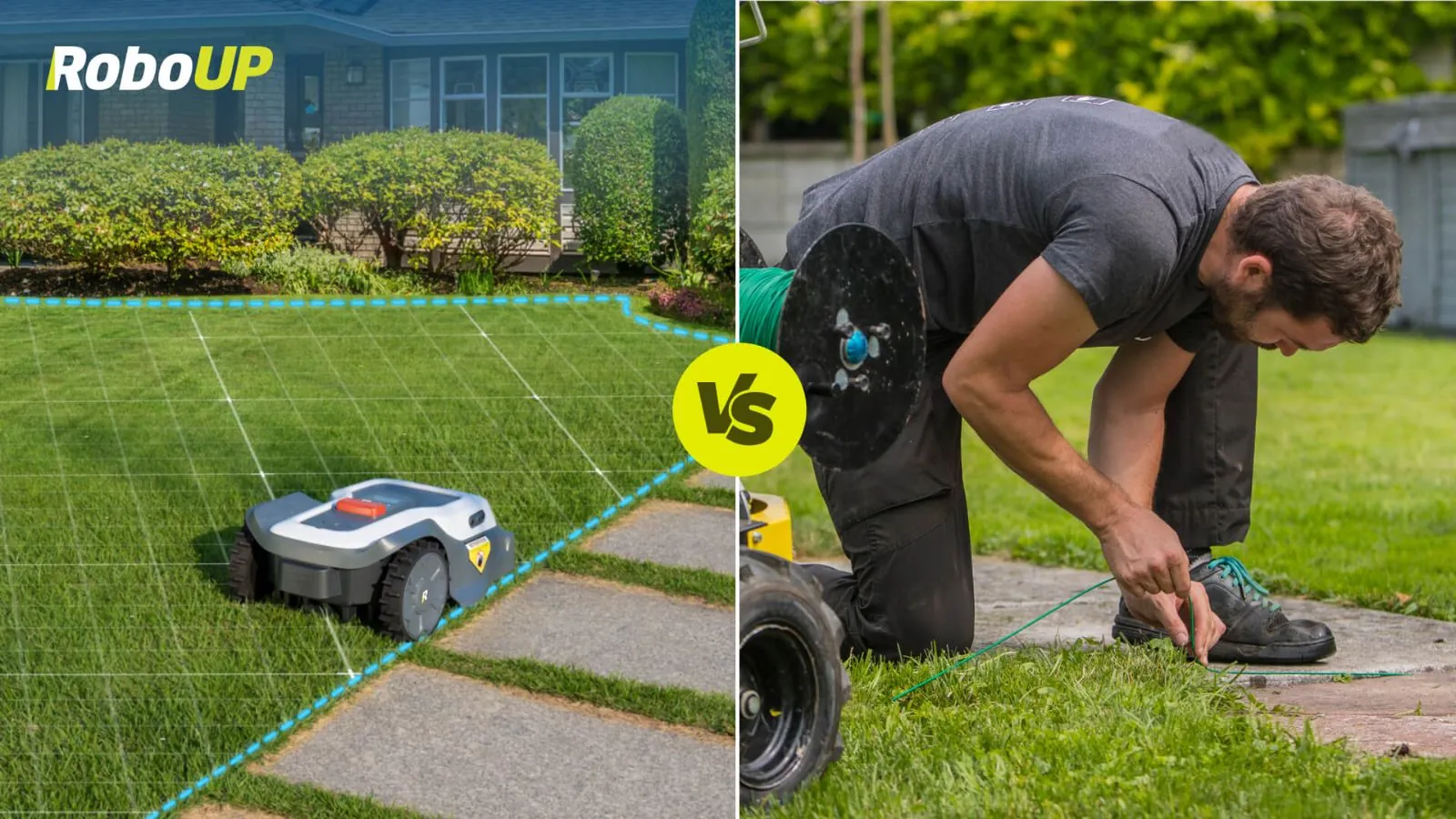
- Wire-free models exist and work well on open, unobstructed lawns; they use GPS, RTK correction, or camera vision instead of a buried loop.
- Boundary-wire mowers cost less up front and handle complex, shaded, or tight yards more reliably.
- Wire-free mowers usually cost more, often $1,500–$4,000, but save you the installation weekend.
- Wire installation is the hidden cost of the cheaper route: expect $0–$1,000+ if you pay a pro, plus a few hours of your own time.
- Trees, hedges, and narrow passages are the main weak points for GPS mowers; cameras and bumper sensors help close the gap.
- You can switch later — some manufacturers sell wire-free upgrade kits for existing wired models.
What a Boundary Wire Actually Does
A boundary wire is a thin cable that runs around the perimeter of your lawn and, on many models, around flower beds, trees, and other obstacles. The mower’s charging base sends a low-voltage signal through that loop. A sensor on the mower detects the signal and treats it as an invisible fence: when the mower gets close, it slows, turns, or reverses.
The wire itself is usually 2–3 mm thick and either buried a few inches down or pegged into the turf. It carries a low-voltage signal, not mains power, which is why it’s safe to have in a garden with pets and children. The perimeter loop is the single most important part of a wired mower’s navigation, and if it breaks — from a spade, a rodent, frost heave, or a careless edging job — the mower stops or wanders.
How Wire-Free Mowers Navigate
Wire-free mowers replace the loop with a combination of technologies. The most common are:
- GPS with RTK correction: a fixed reference station, either on your property or accessed through a network service, corrects satellite signals to centimeter-level accuracy. Brands like Husqvarna (with its EPOS system), Segway Navimow, and Mammotion use this approach.
- Camera and vision systems: onboard cameras read the lawn’s edge, detect obstacles, and build a map. Some models pair vision with AI object recognition to distinguish a hedge from a garden hose.
- Ultrasonic and bumper sensors: short-range detection that stops the mower before it hits a pet, toy, or person.
- Virtual boundaries in an app: you draw no-go zones on a map instead of pegging wire around them.
The trade-off is precision. A wired mower knows exactly where the edge is because the signal defines it. A GPS mower estimates its position, and that estimate can drift near tall buildings, dense tree canopy, or steep slopes.
Boundary Wire vs. Wire-Free: Side by Side
| Factor | Boundary-Wire Mower | Wire-Free Mower |
|---|---|---|
| Typical price | $700–$2,000 | $1,500–$4,000 |
| Installation | Hours of DIY or paid pro | App setup, 30–60 minutes |
| Accuracy at edges | Very high | Good to excellent, weather-dependent |
| Best for | Complex, shaded, small yards | Open, flat, larger yards |
| Weak spots | Wire breaks, buried obstacles | Tree cover, narrow gaps, tall walls |
| Relocation effort | Re-lay the wire | Redraw the map |
Do You Still Need a Wire in 2025?
No, but the answer depends on your yard. Wire-free mowers have improved sharply, and several mainstream brands now sell them as their flagship models. That said, a wire is still the more dependable choice in specific situations:
- Heavily shaded lawns where GPS lock is unreliable.
- Narrow side yards under about 3–4 feet wide, where GPS drift can push the mower into a fence.
- Yards with many separate zones divided by hedges or walls.
- Small urban lots where the cost gap matters more than the convenience.
If your lawn is open, relatively flat, and larger than about a quarter acre, a wire-free mower is a realistic option. If it’s a patchwork of tight spaces, the wire still wins.
What Installation Involves
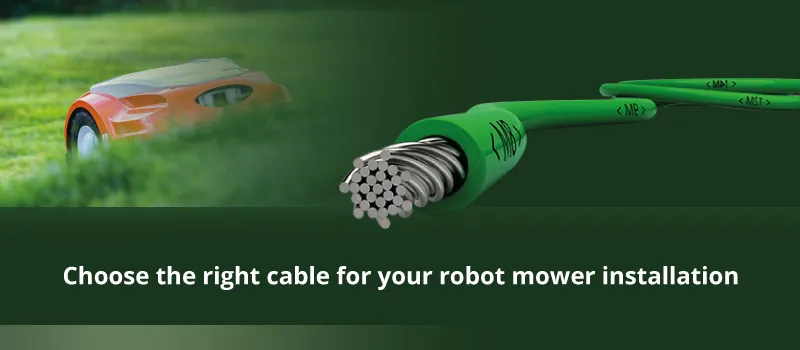
For a wired mower, you have two routes:
- Bury the wire: slice a shallow trench with a spade or edger, press the cable in, and close the turf. It disappears within a few weeks and is protected from most mower blades and foot traffic.
- Peg the wire: lay it on the surface and pin it down every few feet. Faster, but visible and vulnerable to rakes, aerators, and string trimmers.
Most manufacturers publish their own installation guidance, and the general principle is to keep the loop a set distance from walls, beds, and drop-offs so the mower has room to turn. Budget a full afternoon for a typical quarter-acre yard, or pay a landscaper $300–$1,000 depending on lawn complexity.
Wire-free setup is mostly software. You walk the perimeter once with your phone, the mower maps it, and you name your zones. The catch is that the map can need redoing after heavy growth or seasonal changes.
Costs Compared
| Cost Category | Wired | Wire-Free |
|---|---|---|
| Mower | $700–$2,000 | $1,500–$4,000 |
| Wire kit | Included or $50–$150 | Not needed |
| Pro installation | $300–$1,000 | $0 |
| Repairs (typical) | $100–$300 per wire break | $0–$200 sensor or firmware |
| Annual upkeep | Low | Low |
The sticker price favors wired mowers. The total cost of ownership narrows the gap once installation and wire repairs enter the picture, especially if you would rather not spend a Saturday on your knees.
Pros and Cons of Each
Wired mowers
- Cheaper to buy and widely available.
- Precise edge-following in tight or shaded areas.
- Proven technology with decades of refinement.
- Downside: installation labor, and wire breaks that require locating and splicing.
Wire-free mowers
- No trenching, no pegging, no wire to cut.
- Easy to move between lawns or re-map after landscaping changes.
- App-based no-go zones you can redraw in seconds.
- Downside: higher price, and GPS or camera limits in dense cover.
Pro Tip: If you’re unsure which camp you fall into, measure your lawn’s narrowest passage first. Anything under roughly 3 feet wide is where wire-free mowers most often struggle, and that single measurement can settle the decision.
Common Problems and Fixes
- Mower stops at the same spot: on a wired model, check for a wire break or a corroded splice; on a wire-free model, check for new tree growth or a parked car blocking GPS.
- Mower escapes the lawn: usually a boundary offset set too close to the edge. Increase the distance in the app or move the wire inward.
- Mower misses strips: adjust the mowing schedule or increase the cutting frequency; overlapping passes take longer but leave fewer stragglers.
- Mower won’t return to base: clean the charging contacts and check that the base sits level and within signal range.
Warning: Never cut a boundary wire with an edger or hedge trimmer without knowing exactly where it runs. A single nick can take the whole loop offline, and locating the break can take an hour or more.
Can You Add Wire-Free Later?
Sometimes. A few manufacturers sell retrofit kits that let an existing wired mower navigate by GPS instead. Availability varies by brand and model year, so check with the manufacturer before assuming your mower can be upgraded. If it cannot, the practical path is to run the wired mower until it wears out and replace it with a wire-free model when prices and coverage suit your yard.
Choosing Between Boundary Wire and Wire-Free Robotic Mowers
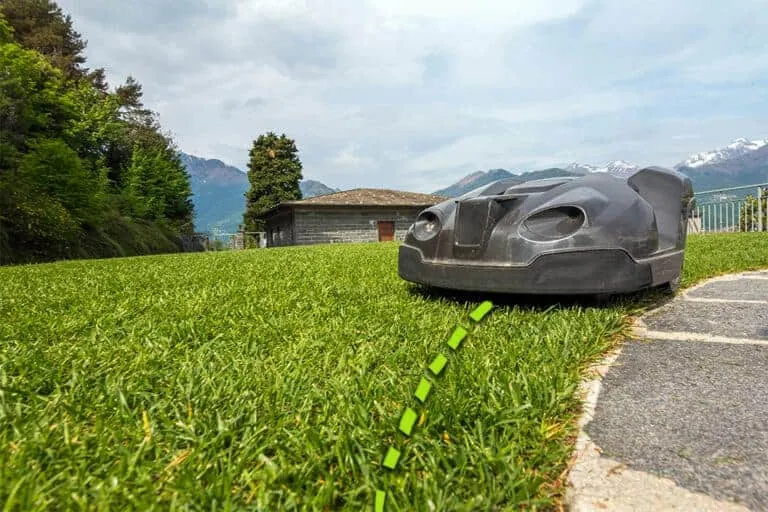
Work through this checklist:
- Map your lawn’s shape. Open, simple, and large points toward wire-free.
- Check your tree cover. Heavy canopy points toward wired.
- Measure your narrowest gap. Under 3 feet points toward wired.
- Set a budget. Under $1,200 points toward wired.
- Decide how you value your weekend. If installation labor is the dealbreaker, pay for wire-free.
There’s no single right answer, only the one that matches your yard and your tolerance for setup work.
Frequently Asked Questions
Do all robotic mowers require a boundary wire?
No. Wired models remain the most common and the cheapest, but GPS- and camera-guided mowers from Husqvarna, Segway Navimow, Mammotion, and others navigate without any buried cable. The wire is a navigation tool, not a legal or safety requirement, so a mower can work perfectly well without one.
Are wire-free robotic mowers as reliable as wired ones?
On open, flat lawns with good sky visibility, yes — often indistinguishable in daily use. In dense shade, narrow passages, or yards ringed by tall walls, wired mowers still hold an edge because the signal defines the boundary exactly rather than estimating it from satellites.
How much does it cost to install a boundary wire?
If you do it yourself, the wire and pegs typically run $50–$150 for a standard quarter-acre yard, plus an afternoon of labor. Hiring a landscaper usually costs $300–$1,000 depending on lawn size, obstacles, and whether the wire is buried or surface-laid.
Can I install a boundary wire myself?
Yes, and most manufacturers design their kits for DIY installation. You lay the wire around the perimeter, peg or bury it, connect it to the charging base, and let the mower learn the loop. The main skills required are patience and a spade.
What happens if the boundary wire breaks?
The mower typically stops, errors out, or wanders past the break. You’ll need to locate the fault, which often means walking the loop with a signal tester or an AM radio, then splicing in a repair kit. Most breaks come from edgers, rodents, and frost.
Do wire-free mowers need Wi-Fi?
Most do, at least for setup and app control, though many continue mowing if the connection drops. GPS-guided models rely on satellite signals and a reference station rather than Wi-Fi for navigation, so a weak home network isn’t usually a dealbreaker.
Conclusion
If your lawn is open and you would rather spend the weekend relaxing than trenching cable, a wire-free mower is worth the premium; if it’s shaded, tight, or you want the lowest upfront price, stick with a wired model and install the loop yourself.

Daniel Carter is a home improvement specialist and tool researcher with years of experience studying power tools, hand tools, workshop equipment, outdoor gear, and DIY projects. At HomeToolWorld, he researches products, compares features, reviews manufacturer specifications, and creates practical buying guides to help homeowners, DIY enthusiasts, and professionals make informed decisions. His goal is to provide accurate, easy-to-understand, and trustworthy content based on careful research and real-world applications.